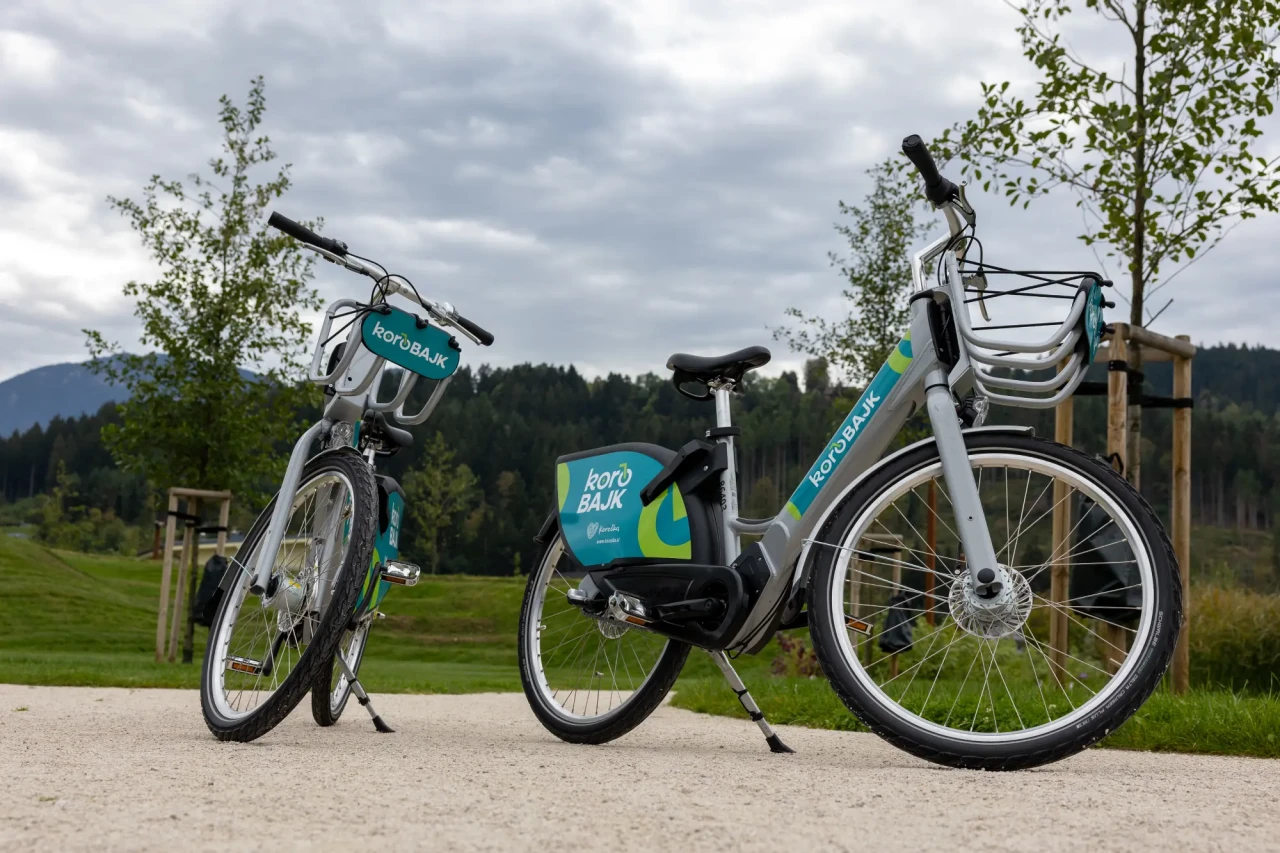
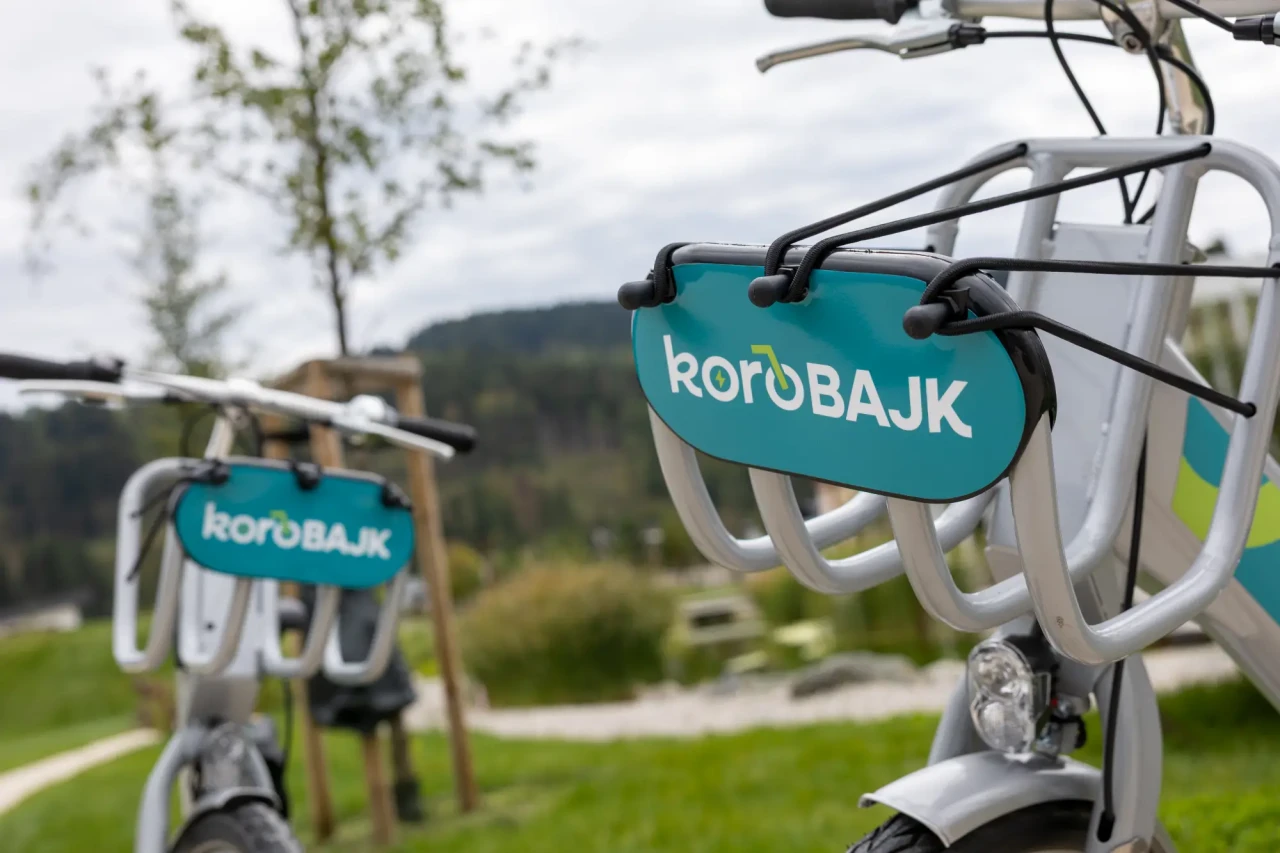
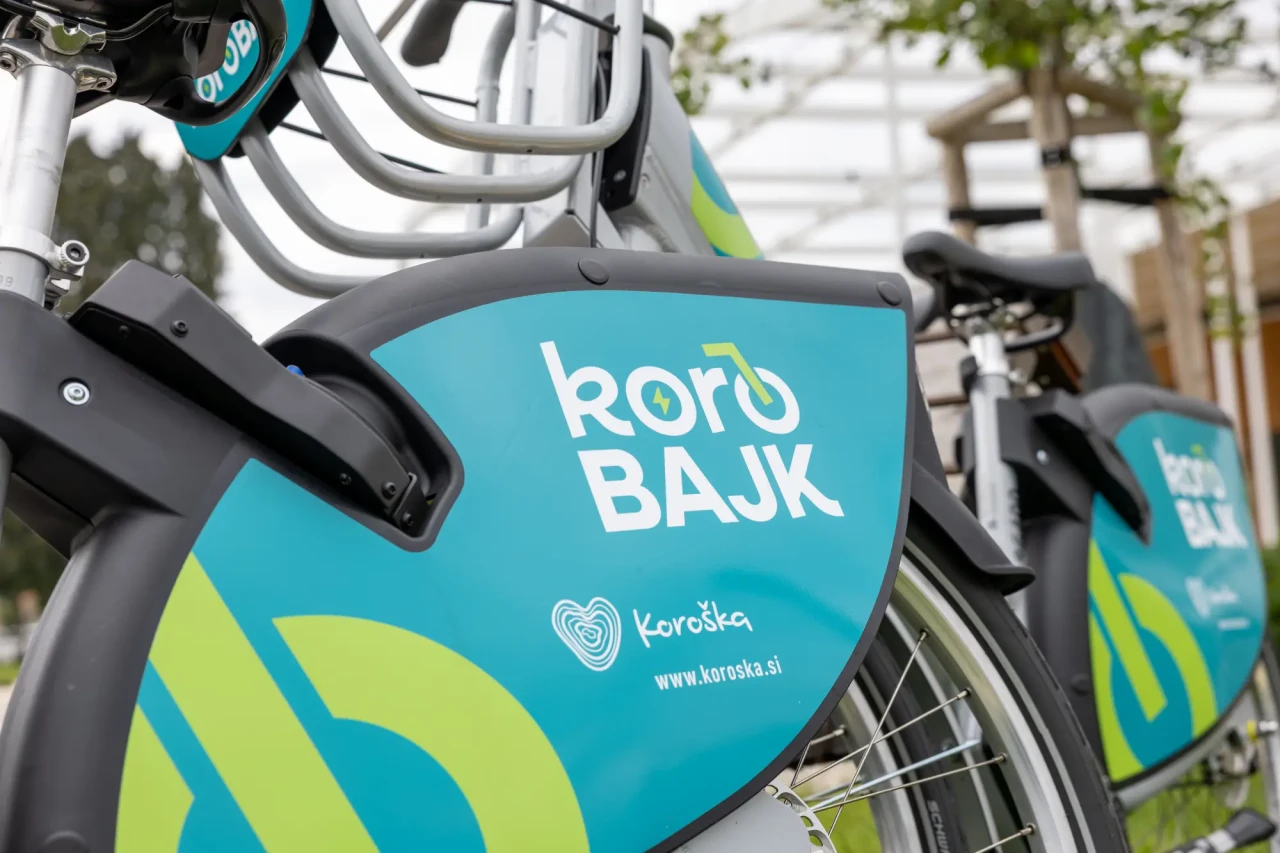
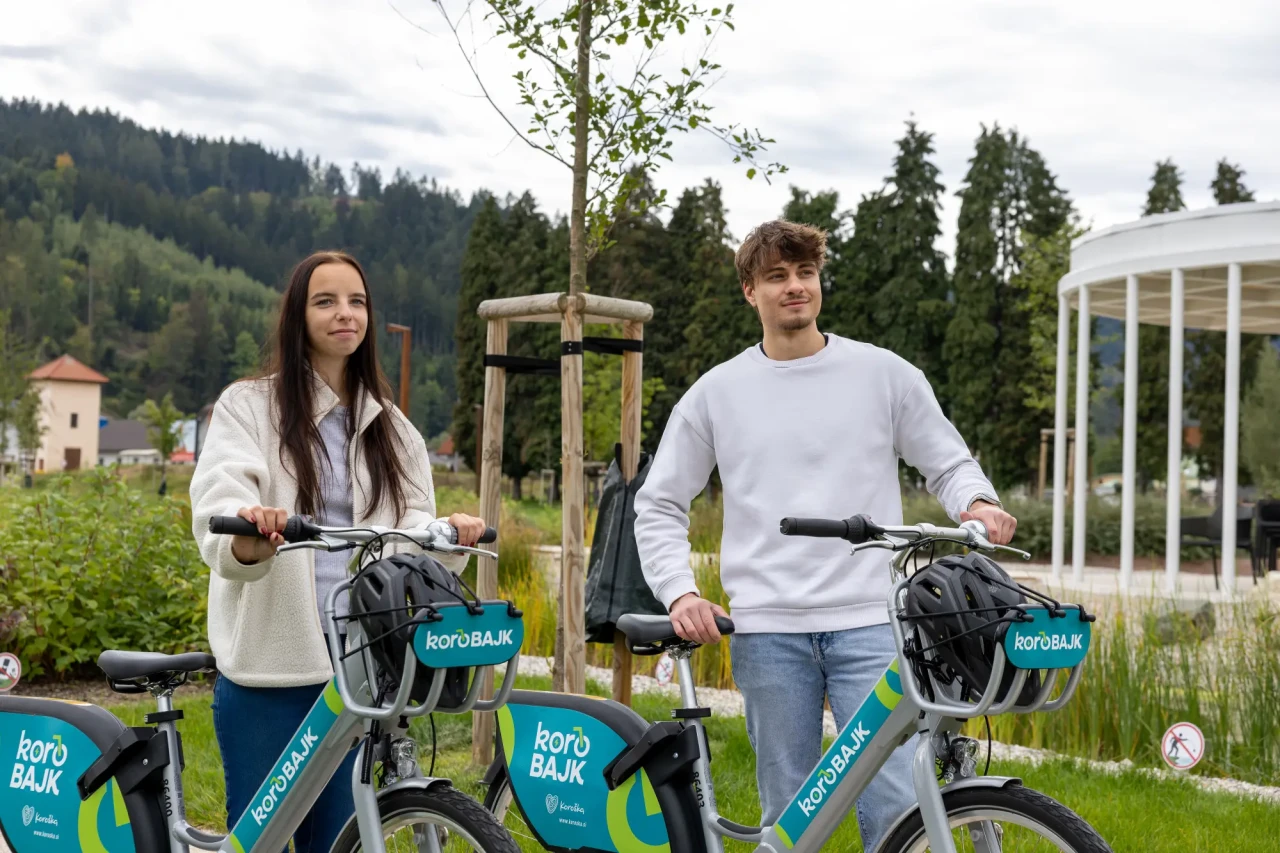
Riding a Nomago Bikes electric bike
QR code for renting a Nomago Bikes electric bike
Personal message “Jurij te pelje” on a Nomago Bikes bike

Electric Bike Rental in Koroška – KoroBAJK

Koroška is made for exploring on two wheels. Nomago Bikes stations across different municipalities connect the region, giving you the freedom to plan your ride your way – from a short family outing to a full-day cycling adventure.

Manage everything in one place with the Nomago app!

With the Nomago Bikes app, you can easily manage your pick-up and drop-off stations and check available bikes. Using the app and registering an account are free of charge.

Manage everything in one place with the Nomago app!

With the Nomago Bikes app, you can easily manage your pick-up and drop-off stations and check available bikes. Using the app and registering an account are free of charge.

Easy registration
Bike rental and use
Returning the bike
  1. Download the mobile app for your device. It is available on Google Play and the App Store. Register in the app and enter your first name, last name, email address, phone number and date of birth (for age verification).
  2. To activate your account, you need to add a valid payment method. You can pay with a Visa or Mastercard credit or debit card, as well as Apple Pay or Google Pay. Upon registration, €5 will be charged and immediately credited to your user account. You can use this credit at any time and it does not expire.
  3. Choose the plan that suits you best. You can choose between a pay-as-you-go plan or a subscription.
  4. You can pay for your subscription in the app under Wallet / Buy Subscription.
  5. Having trouble? Check our frequently asked questions.
  1. Select “Rent a bike” in the app and scan the QR code on the bike. You can also enter the bike number manually.
  2. The app will unlock the bike and you’re ready to go!
  3. You can also reserve a bike in advance. Select the desired station in the app and tap “Reserve”. Your reservation is valid for 15 minutes.
  4. Need to make a quick stop? You can temporarily park the bike during your rental. Select the rented bike in the app, tap “Park bike temporarily”, then lock the lock under the bike seat. Please note that rental time continues while the bike is temporarily parked.
  1. Always return the bike to an official Nomago Bikes KoroBAJK station.
  2. To successfully end your rental, place the bike in a designated docking point.
  3. Lock the lock under the seat and wait for the acoustic signal.
  4. Are all docking points occupied? No problem. If there is no free docking point at the station, park the bike between two parked bikes and manually lock it. Two beeps confirm that your rental has ended successfully.

Find the nearest KoroBAJK station

Check the locations of KoroBAJK stations on the map and find the nearest electric bike for your next ride around Koroška.

Is your desired station missing?

Useful Information

Find all the important information you need, including rental prices, terms and conditions, and instructions for use. If you have any questions, contact us. We’ll be happy to help!

You can use our system without a subscription on a pay-as-you-go basis or choose a weekly or monthly subscription.
 

The Terms and Conditions set out the rules and conditions for using our services. Before you continue, we recommend reading them to better understand your rights and responsib

Before hopping on an electric bike and enjoying your ride, read the instructions for use to ensure the best possible experience.

Users aged 14 to 17 may create a user account with the written consent of a parent or legal guardian by submitting the completed consent form.

Parents or underage users can submit the registration request together with the completed form in person at a point of sale or by email.

Have more questions?
Visit our Info Centrearrow
Have more questions?
Visit our Info Centrearrow
Most searched information
or send an email to
or send an email to